See Your Regex Patterns Come Alive
Transform complex regular expressions into intuitive, color-coded flowcharts that make debugging, learning, and sharing effortless.
De ultieme playground voor reguliere expressies
RegexNest's built-in visualizer parses your pattern in real time and renders a node-and-edge flowchart — every quantifier, group, and alternation becomes a clearly labeled diagram element you can trace with your eyes.
Whether you're crafting an email validator like ^[a-zA-Z0-9._%+-]+@[a-zA-Z0-9.-]+\.[a-zA-Z]{2,}$ or untangling a nested capture group, the visualizer breaks down each token into discrete, color-coded blocks. Lookaheads render as dashed decision branches, character classes appear as labeled sets, and repetition operators carry their exact bounds (e.g., {3,6}) directly on the connecting arrows.
From Pattern to Flowchart in Seconds
Paste any PCRE-compatible regex into the editor and watch the engine decompose it into a step-by-step visual graph. No manual mapping, no hidden assumptions — just a transparent diagram that mirrors the exact matching logic.
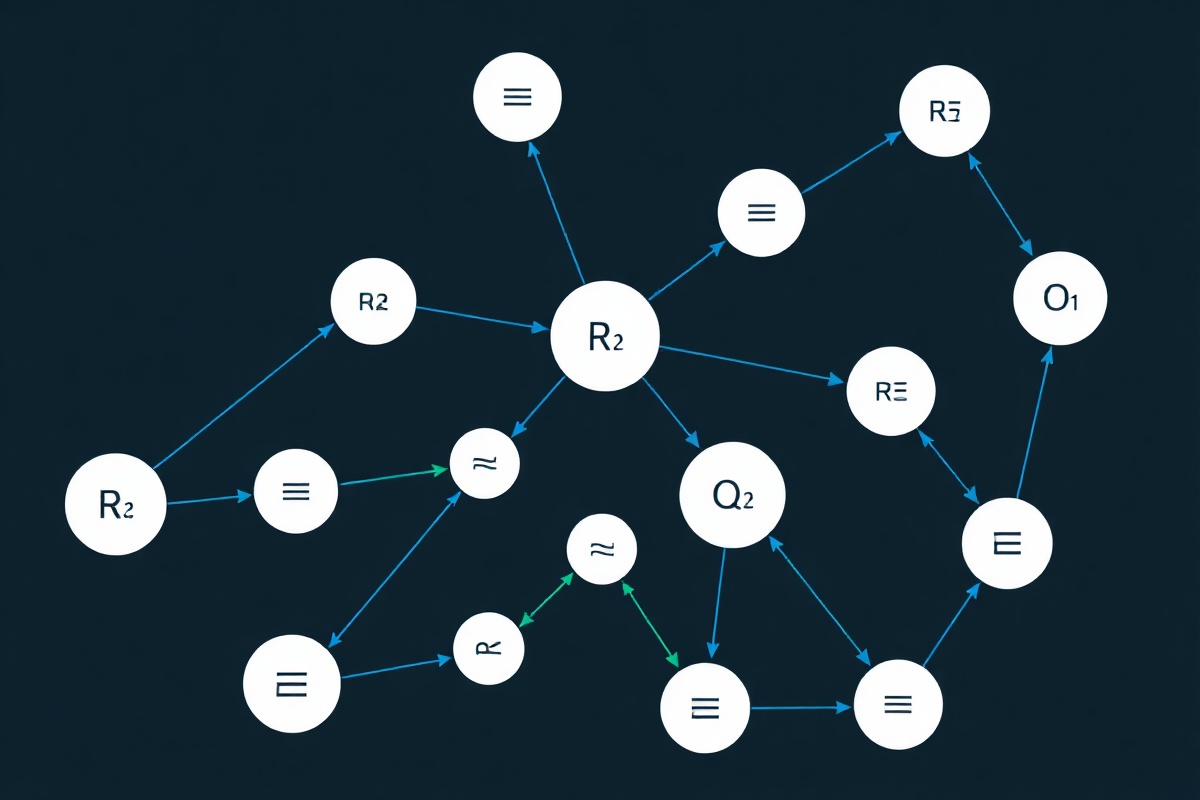
The pipeline works in three stages: tokenization splits the raw string into atomic regex elements; AST construction builds a hierarchical tree reflecting precedence and nesting; and graph rendering lays out the tree as a left-to-right flowchart with automatic spacing, loop indicators, and path highlighting. Hover any node to see its raw token, its semantic role, and example strings that satisfy that branch.
For example, the phone-number pattern (\\d{3}-)?\\d{4} renders as an optional branch node for the three-digit prefix, connected to a mandatory four-digit block. The optional branch is visually distinguished with a lighter stroke and a "0 or 1" badge, so you instantly see which parts of your pattern are negotiable.
Why Visual Regex Matters
Reading regex as text is error-prone. Visualizing it as a graph catches mistakes before they ship and accelerates onboarding for new team members.
Instant Error Detection
Misplaced quantifiers, unclosed groups, and redundant escapes stand out as broken or orphaned nodes. The visualizer flags + applied to an empty alternation and highlights backreference mismatches in amber, saving hours of trial-and-error testing.
Team Knowledge Transfer
Export diagrams as PNG or SVG and drop them into Confluence, Notion, or pull-request descriptions. New developers onboarding to the project can read the flowchart without decoding 80-character regex strings, cutting comprehension time from days to minutes.
Performance Awareness
The visualizer annotates nodes with backtracking risk indicators. Patterns that trigger catastrophic backtracking — like nested (a+)+ constructs — glow red and display an estimated worst-case complexity, helping you refactor before deployment.
Cross-Engine Compatibility
Toggle between PCRE, ECMAScript, Python re, and Rust regex modes. The diagram adjusts to show which constructs are unsupported in each engine — for instance, lookbehinds appear grayed out in older JavaScript targets with a clear tooltip explaining the limitation.
Interactive Path Testing
Type a test string and watch the visualizer highlight the exact path the engine takes through your graph. Failed matches show where the traversal stopped and which node rejected the input, turning abstract failures into concrete, visual debugging sessions.
Pattern Simplification Suggestions
The engine detects overcomplicated patterns and proposes cleaner equivalents. A verbose [a-zA-Z][a-zA-Z][a-zA-Z] gets flagged with a suggestion to replace it with [a-zA-Z]{3}, and the updated diagram renders immediately so you can compare side by side.